
Tools by Monte V
A large part of my job as motion director involves using AI, so I’ve decided that if I need to be using it, I’d like to build tools that I can share with others. The tools themselves are free to download and use however you need.
If you run into issues, reach out through my contact form and provide your OS version, hardware info, and software version.
AE Tools
Gaussian Grid
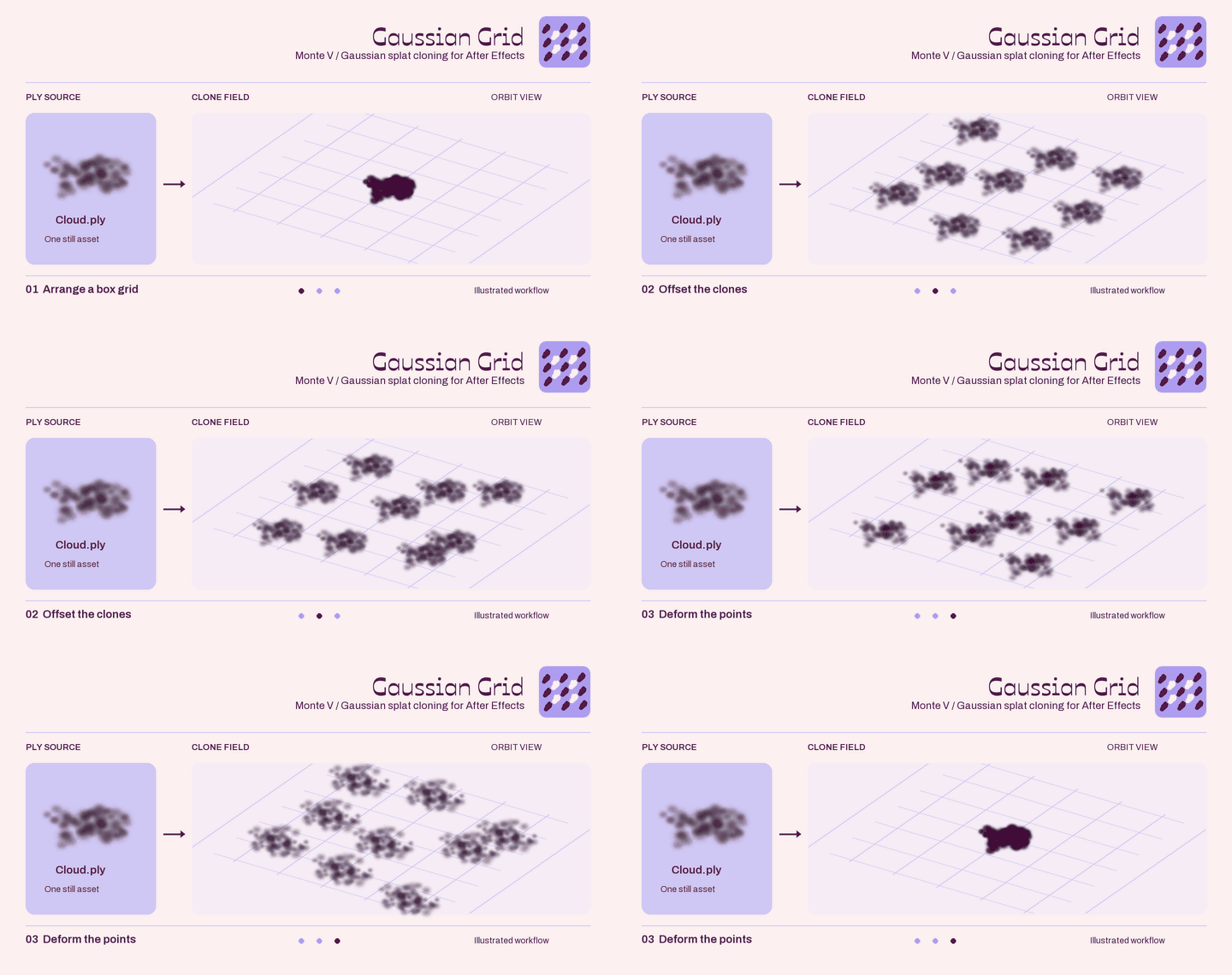
Gaussian Grid brings a Cloner-style workflow to Gaussian splats in After Effects. Arrange and repeat your PLY assets in 3D grids, mix multiple sources, and adjust their position, rotation, and scale to build larger scenes.
Current Version: V0.2.3 - 10/9/2026

Super Matte
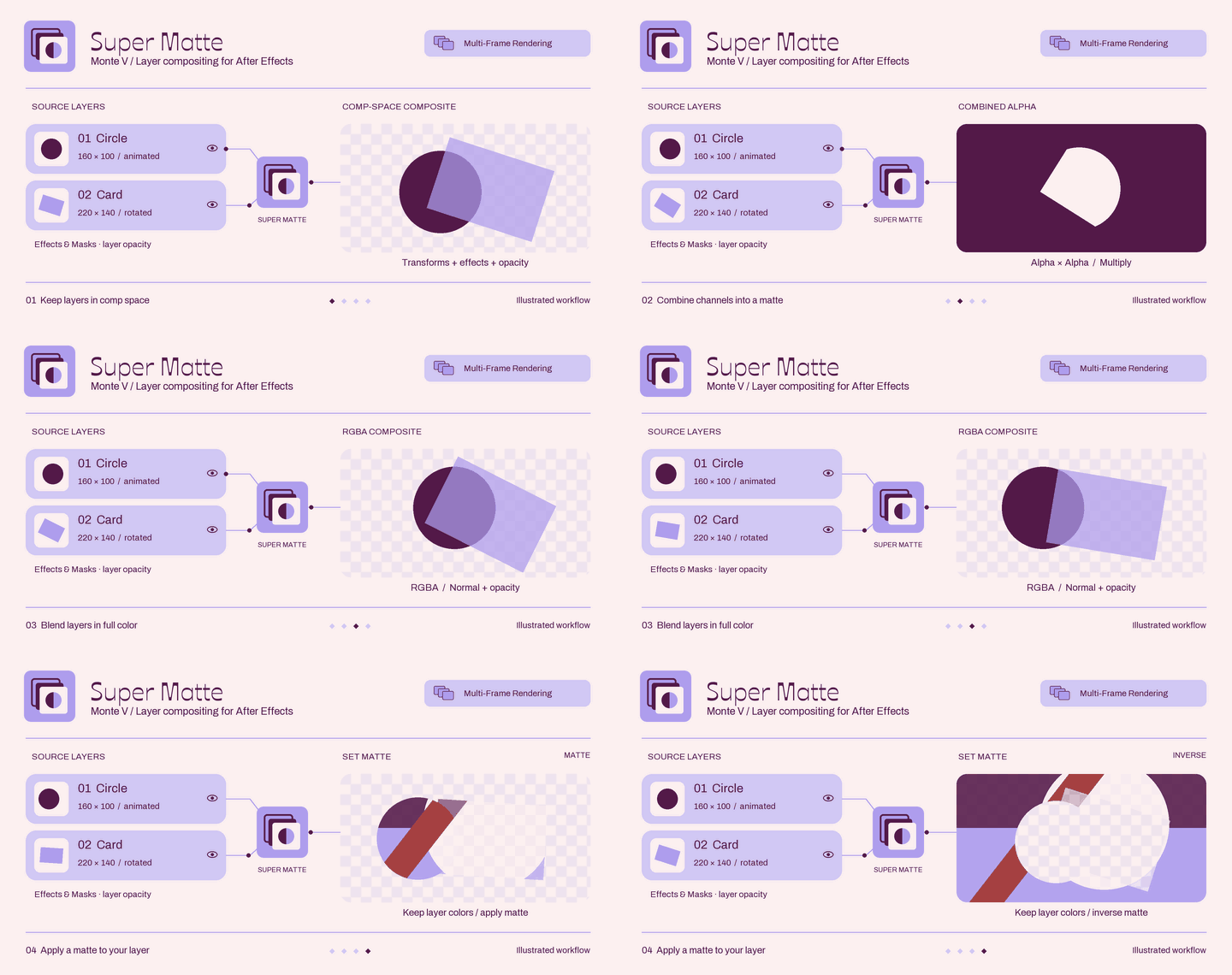
Super Matte brings multiple layers together into custom mattes or full-color composites in After Effects. Choose channels and blend operations, reorder or solo sources, and keep differently sized layers aligned with their masks, effects, and 2D transforms.
Current Version: V0.1.2 - 10/9/2026
C4D Tools
Depth Pilot
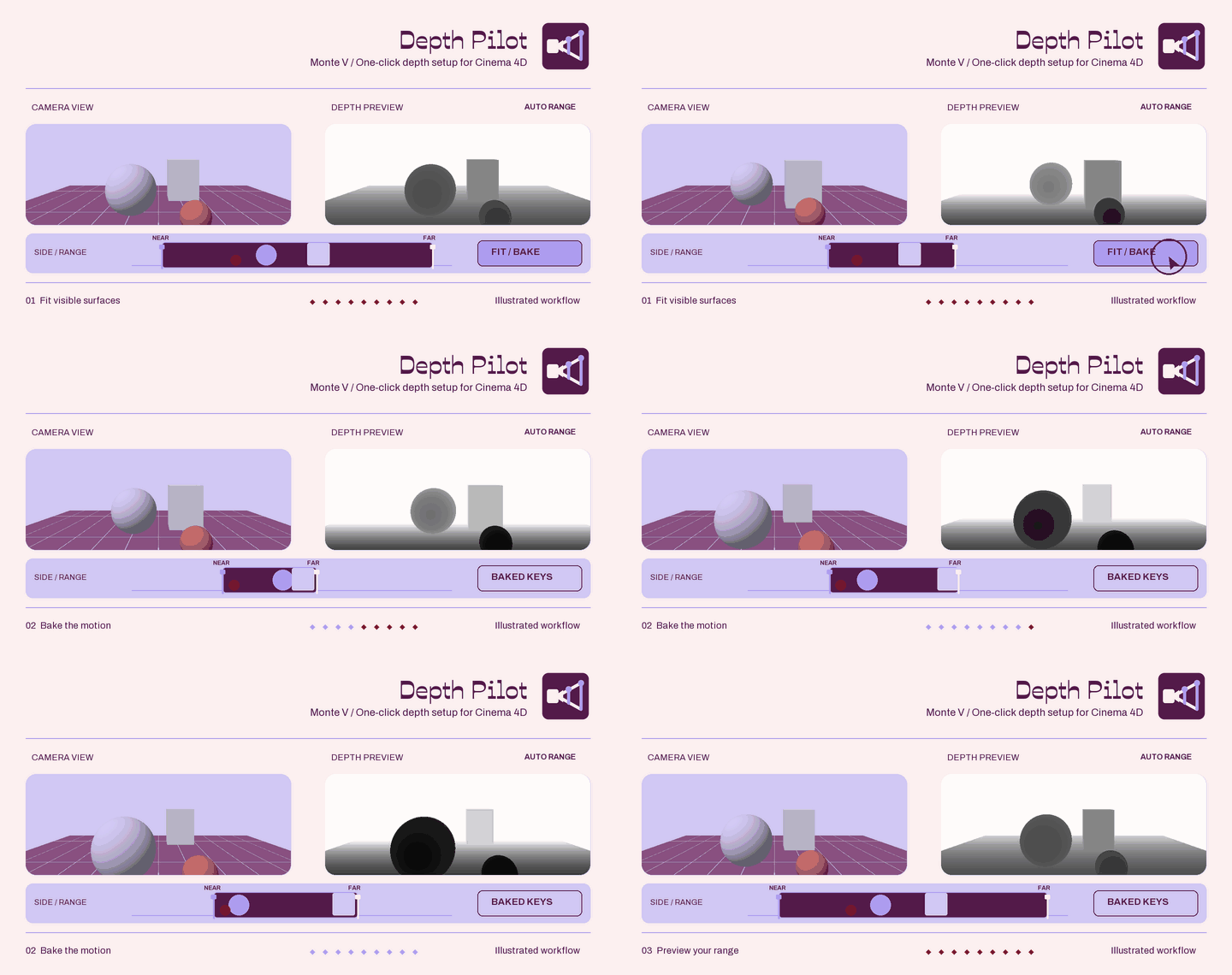
Depth Pilot takes the guesswork out of setting up Redshift depth passes, with automatic range fitting and a visual preview to help you dial in the result. Adjust a single frame or bake depth ranges across an animation, with controls to exclude objects and leave extra room where you need it.
Current Version: V0.2.3 - 10/9/2026

Material Bridge
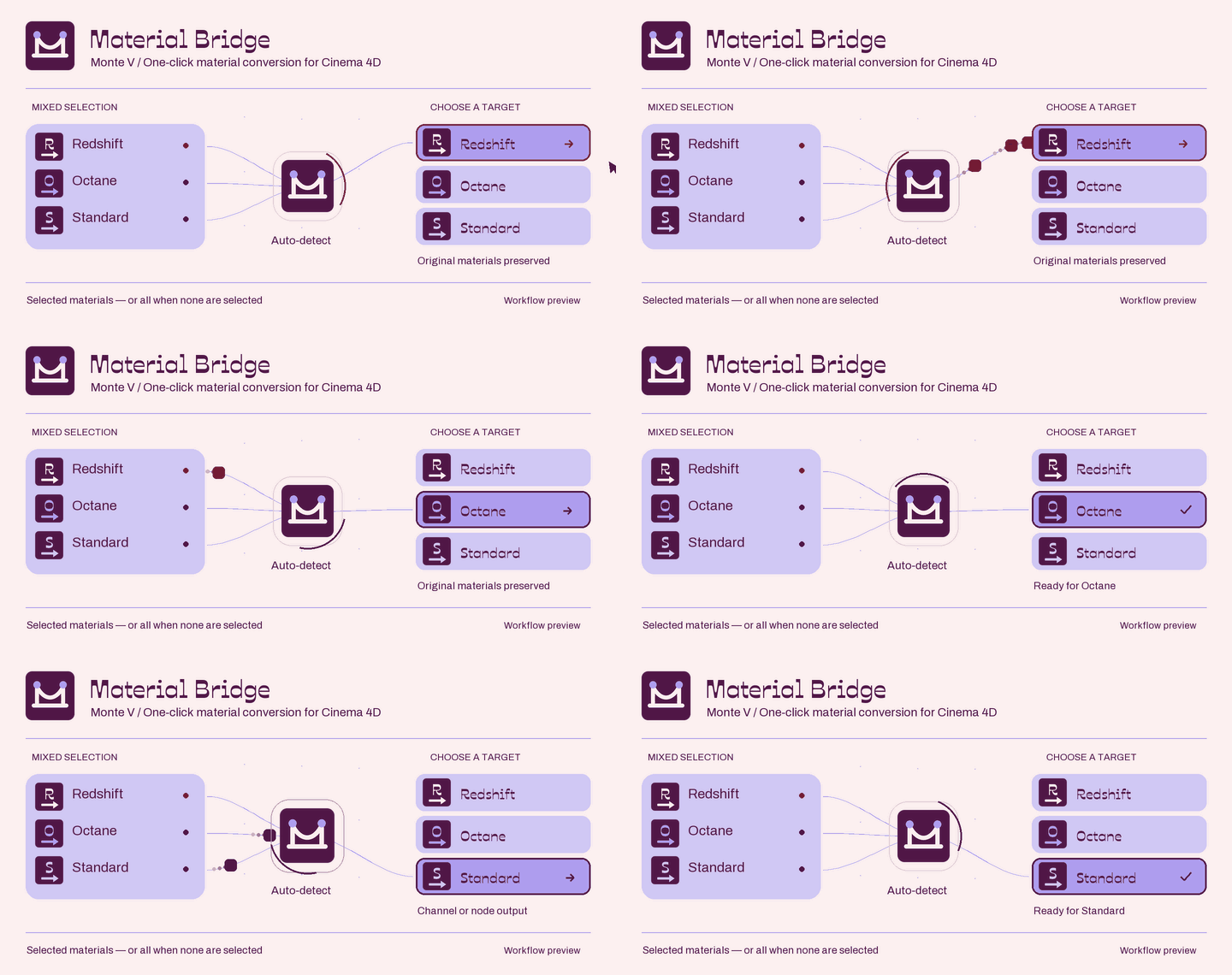
Material Bridge makes it easier to move materials between Standard, Redshift, and Octane. Convert selected materials or an entire scene with one-click toolbar buttons, while keeping your originals intact.
Current Version: V0.1.2 - 10/9/2026
Anyone who’s interested in continuing development on these personally (not using AI), is welcome to do so. Please just let me know if you decide to do so, and I will update my page to point to your version when complete; note that the versions found here will still be available but will point to the human-made version as the latest and greatest.